Automatic nesting & imposition for packaging
Arrange as many dielines as possible on a single sheet — automatically. See how efficiently every layout fills the sheet, fit more copies with smart rotation, then export print-ready files and get an instant manufacturing cost.
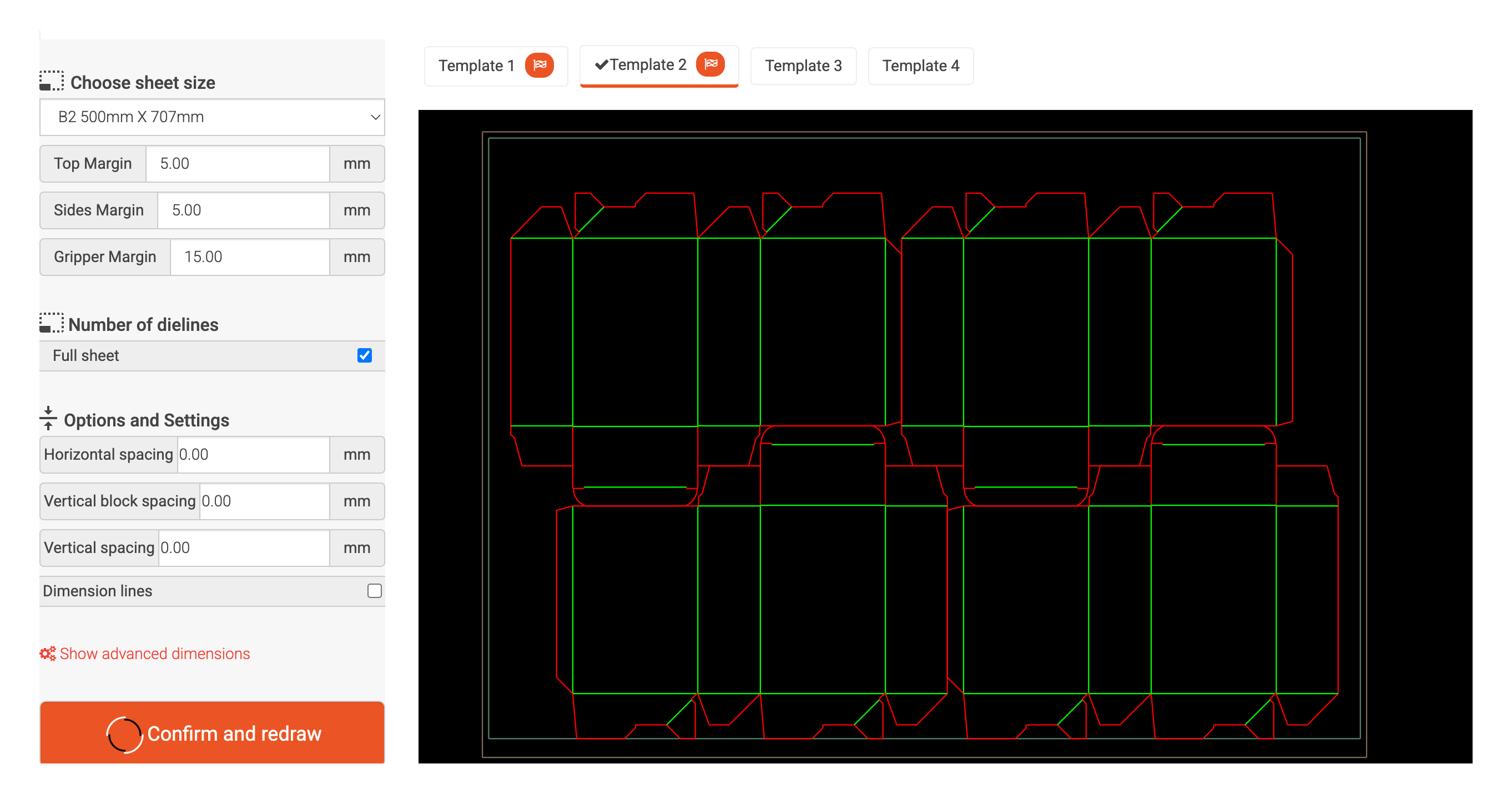
A complete nesting & imposition tool
From the first dieline to a print-ready sheet and a costed quote — lay it out, fit more on, and price it, all in one place.
Fill the whole sheet — automatically
Turn on Full sheet and the layout solver arranges as many copies of your dieline as will fit, honouring the sheet's margins. Prefer to set it yourself? Enter an exact number across and number down — up to 20 each way — and watch the sheet update instantly.
- Full-sheet auto fit
- Manual X × Y control
- Most-efficient template
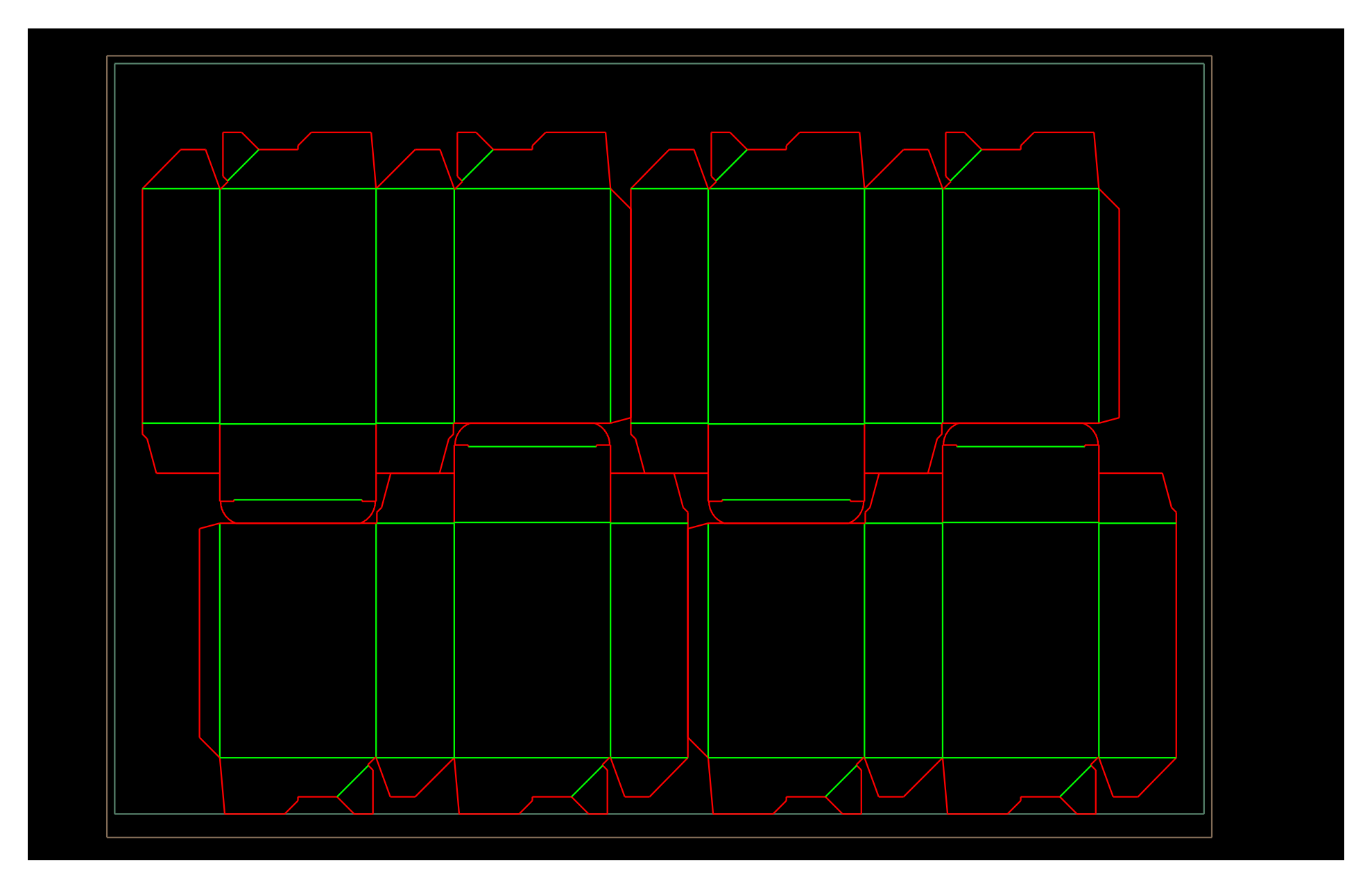
See the real numbers before you commit
Every layout reports exactly how many dielines fit per sheet, the finished sheet dimensions, and the total cut and crease lengths it will run — so you can compare arrangements and pick the most material-efficient one before a single sheet is printed.
- Dielines per sheet
- Sheet dimensions
- Cut & crease lengths
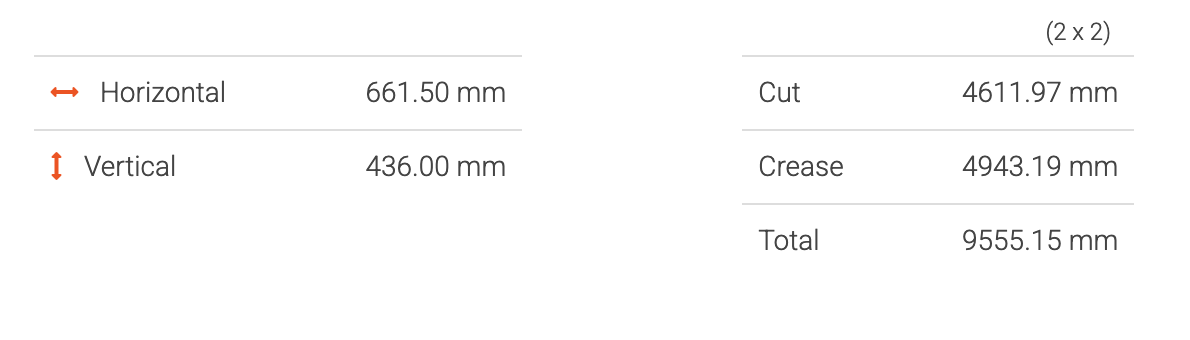
Smart rotation & alternative layouts
The solver tries every orientation and keeps the one that fits the most copies — rotating the whole layout, or individual copies by 90° or 45°, so more dielines fit on the sheet. Every dieline offers several ready-made templates to compare, so you can pick the tightest one.
- Auto-rotate to fit
- Rotate 90° or 45°
- Templates to compare
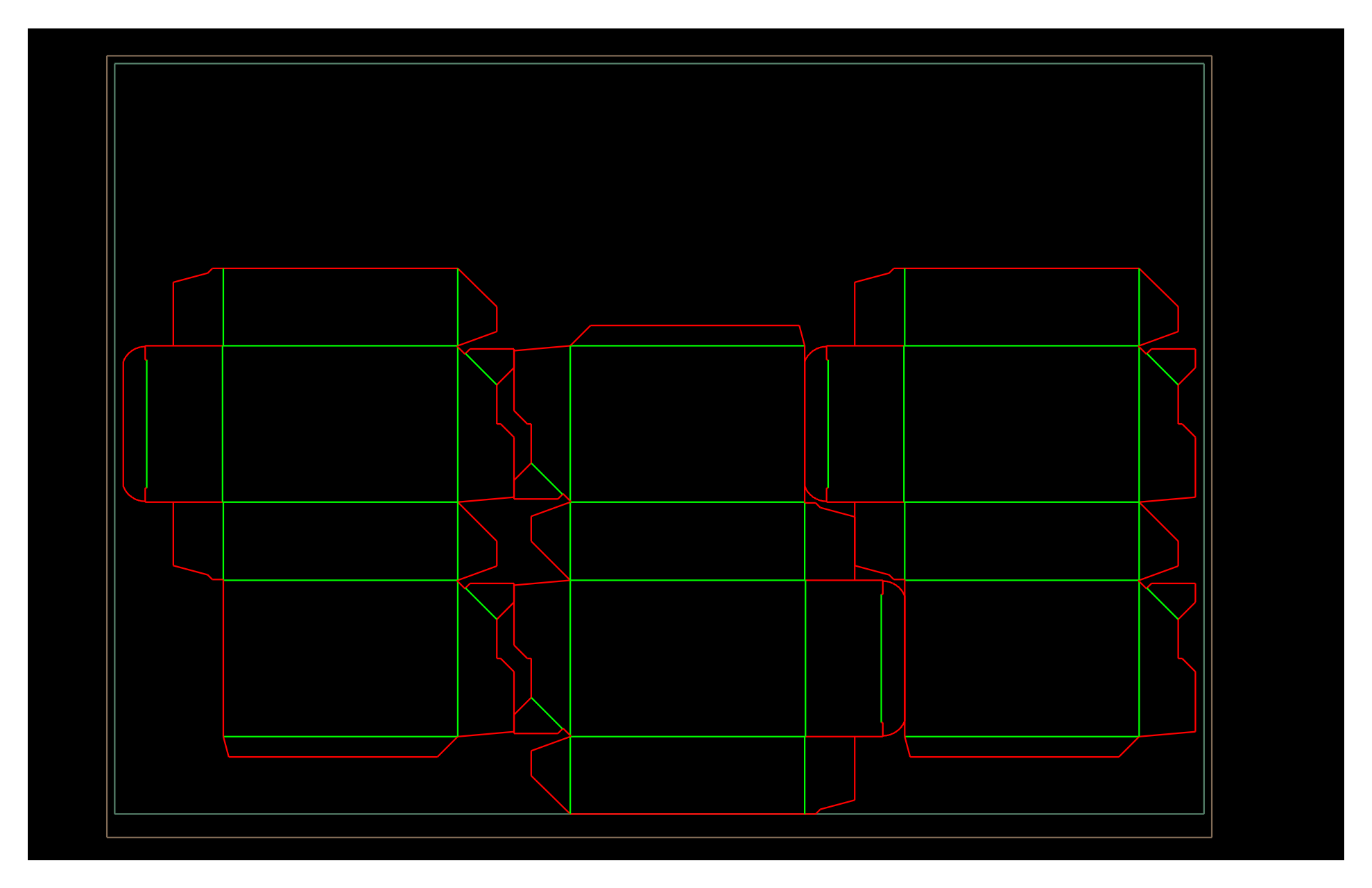
Print-ready export — PDF, DXF and SVG
When the layout is right, download the imposed sheet as a production-ready PDF, DXF or SVG, with the sheet border included — ready to send straight to platemaking or a cutting table. Connected lines can be joined into continuous paths for cleaner, faster die-cutting.
- PDF · DXF · SVG
- Sheet border included
- Cut-optimised paths

Built for real production
Straight to manufacturing cost
Price every layout end to end — cutting, printing and material — on your chosen manufacturing line, then turn it into a quote with the Manufacturing Cost Calculator.
Standard & custom sheets
Nest onto B-series and other standard boards, your own custom sheet size, or bobbin and roll widths — with the grain direction set the right way.
Every part nested separately
Multi-part dielines — a box and its lid, a tray and its separators, a carton and its coating — are nested part by part. Each part gets its own template and its own print-ready sheet, laid out as efficiently as its own shape allows.
Margins & gutters handled
Gripper, side and machine lead- and tail-edge margins stay clear automatically, with adjustable spacing and gutters between blocks.
Annotated output
Nested and total lengths by line type — cut, crease, perforation and more — are written onto the exported file.
Instant redraw
Change the sheet, the margins, the spacing or the count and the layout redraws in place — right in your browser, with nothing to reload.
Available over the API
List the nesting templates that fit a dieline and get the optimal count and sheet efficiency for each, straight from the Dielines API.
From dieline to print-ready sheet in four steps
Pick a dieline & size
Start from a real, production-ready dieline and enter your exact dimensions.
Choose sheet & machine
Select a standard or custom sheet and the manufacturing line that will run it.
Auto-nest & compare
Let it fill the sheet, then compare layouts by how many fit and what they cost.
Export or quote
Download a print-ready PDF, DXF or SVG — or turn the layout into a quote.
Frequently asked questions
What is nesting (imposition)?
How does it decide the best layout?
What sheet sizes can I use?
What can I export?
Is nesting free?
Ready to fit more on every sheet?
Open the free nesting demo and lay out your first sheet in seconds — nothing to install.
Try nesting — free Die Cut Templates is an online packaging template collection, custom dieline generator, template maker and a packaging design tool with nesting, manufacturing cost calculator and 3D capabilities. All of the packaging templates are easy to download.
We have over 35,000 vector packaging templates (dielines) for tuck end boxes, snap lock boxes, tuck top auto bottom boxes,
standard boxes, four corner tray boxes, fruit and vegetable boxes, special boxes, separators, paper bags, gift boxes
and a great number of packaging templates. With Die Cut Templates, you can arrange your dielines using the nesting tool.
Die Cut Templates also offers uploading your logos and artwork for your 3d Mockup designs and offers online previews in 3D.
Die Cut Templates also provide a Dielines API.
Dielines API allows for generating custom dielines in PDF, DXF, and SVG formats, along with 3D mockups and nesting.
Die Cut Templates is an online packaging template collection, custom dieline generator, template maker and a packaging design tool with nesting, manufacturing cost calculator and 3D capabilities. All of the packaging templates are easy to download.
We have over 35,000 vector packaging templates (dielines) for tuck end boxes, snap lock boxes, tuck top auto bottom boxes,
standard boxes, four corner tray boxes, fruit and vegetable boxes, special boxes, separators, paper bags, gift boxes
and a great number of packaging templates. With Die Cut Templates, you can arrange your dielines using the nesting tool.
Die Cut Templates also offers uploading your logos and artwork for your 3d Mockup designs and offers online previews in 3D.
Die Cut Templates also provide a Dielines API.
Dielines API allows for generating custom dielines in PDF, DXF, and SVG formats, along with 3D mockups and nesting.