Create stunning 3D packaging mockups
Wrap your artwork around a real, production-ready dieline and see exactly how your box will look. Design the inside and outside, choose realistic substrates, then export cinematic video in up to 8K and 3D files — all right in your browser, with nothing to install.
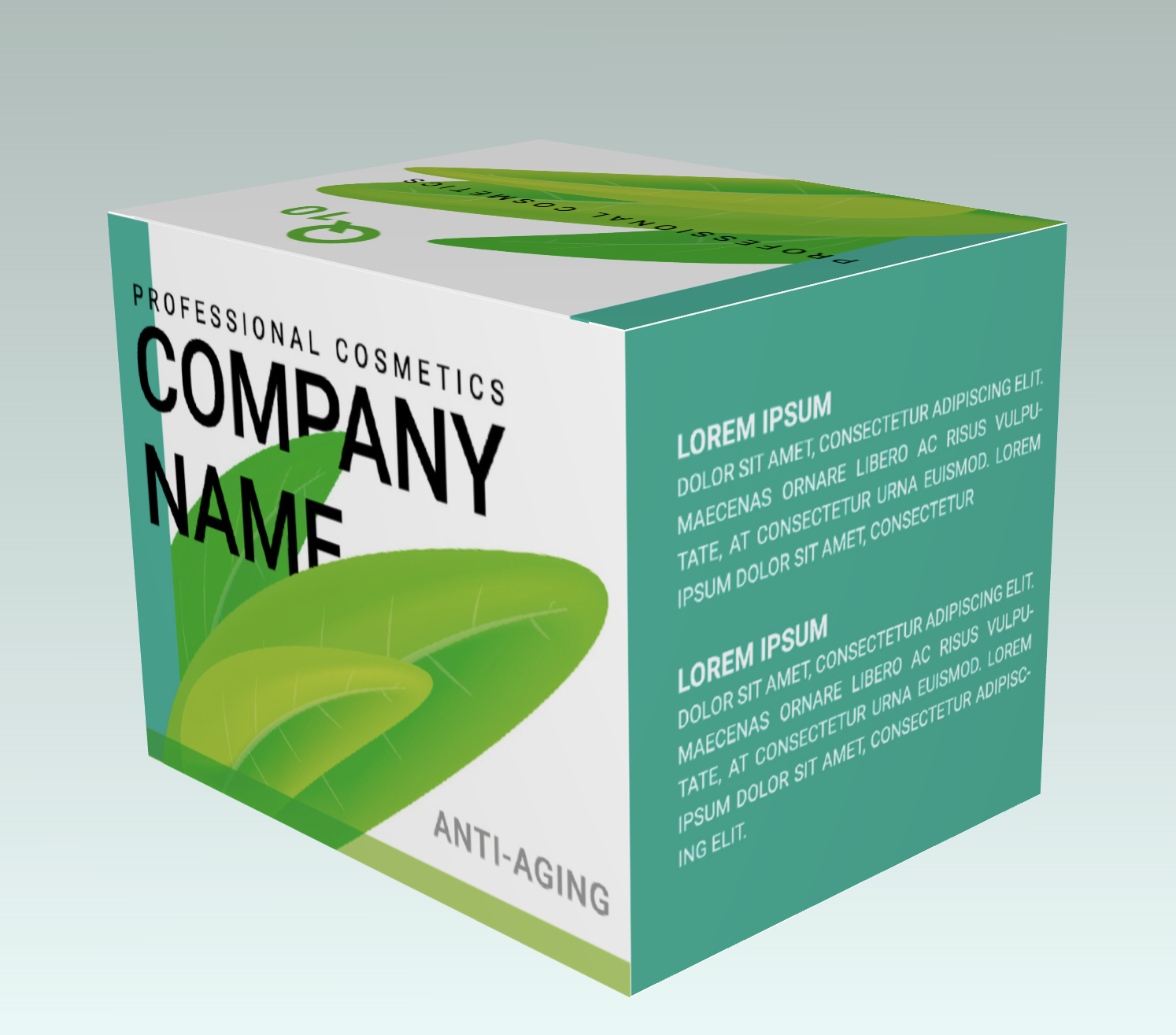
A full 3D studio for your packaging
From the first sketch to a finished product video — design it, dress it, render it and ship it, all in one place.
Design the inside and the outside — separately
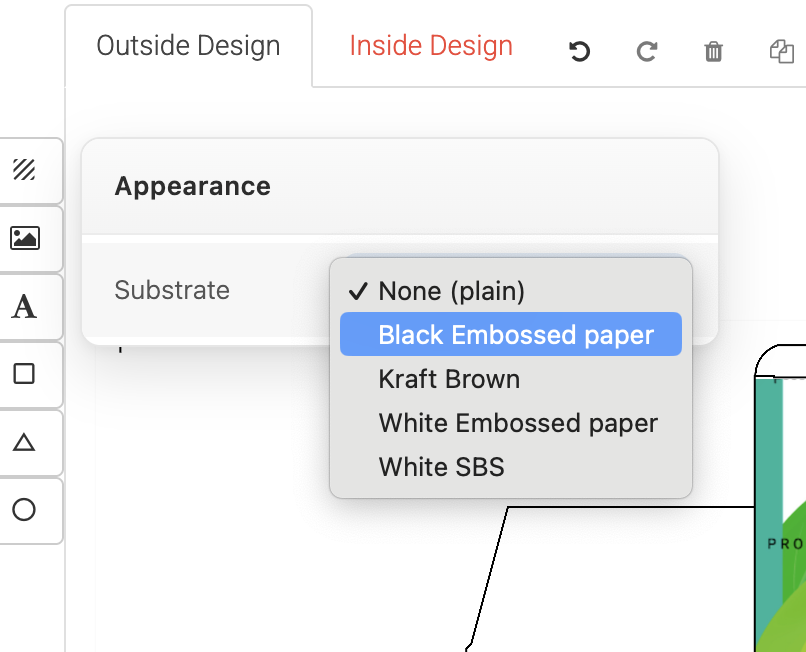
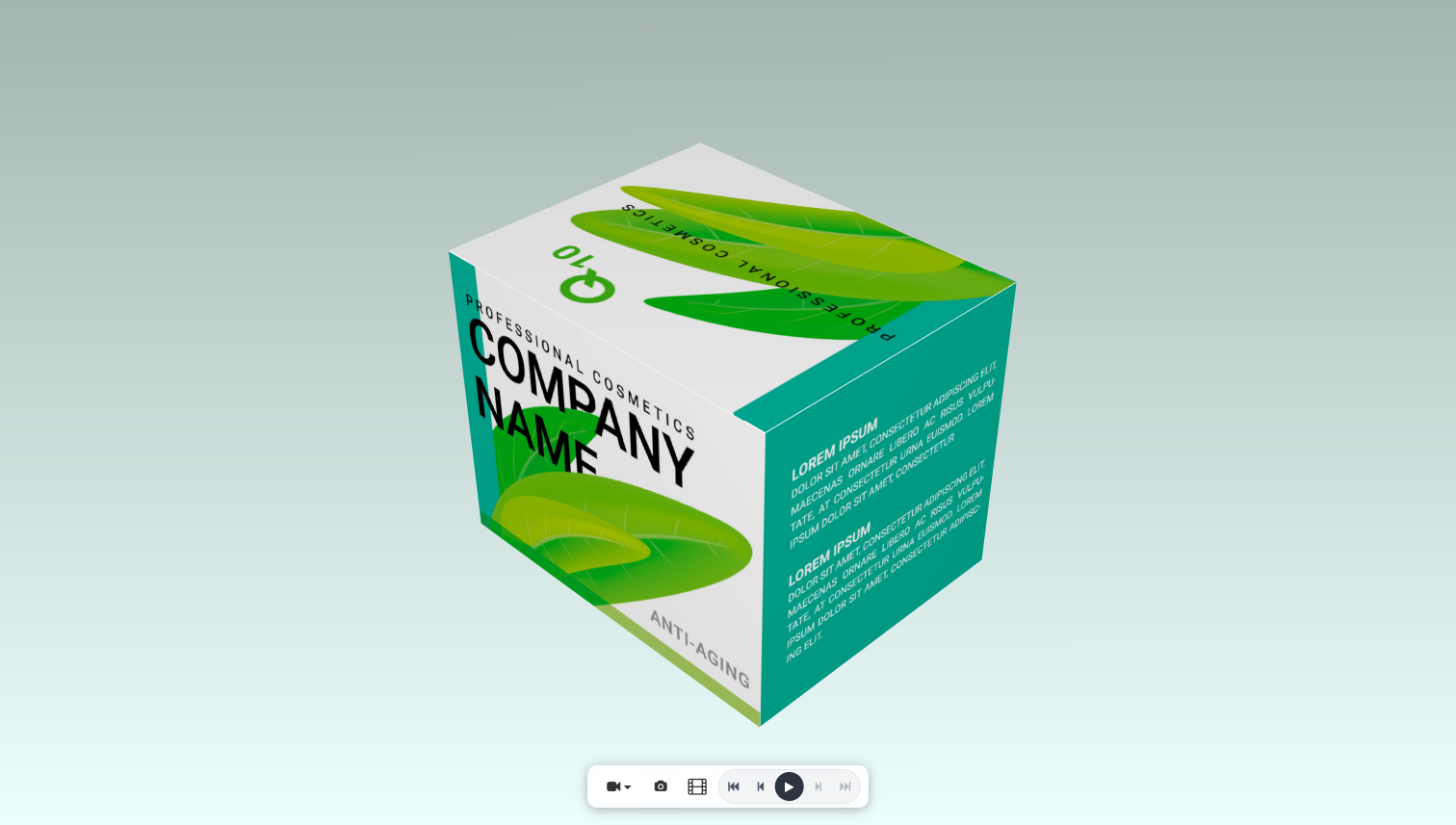
Flip between the Outside and Inside of your box and design each surface on its own. Put your artwork and brand colors on the exterior, then open the box up and decorate the interior too — so it looks just as finished inside as it does outside.
- Outside & inside tabs
- Per-surface artwork
- Inside & outside, designed
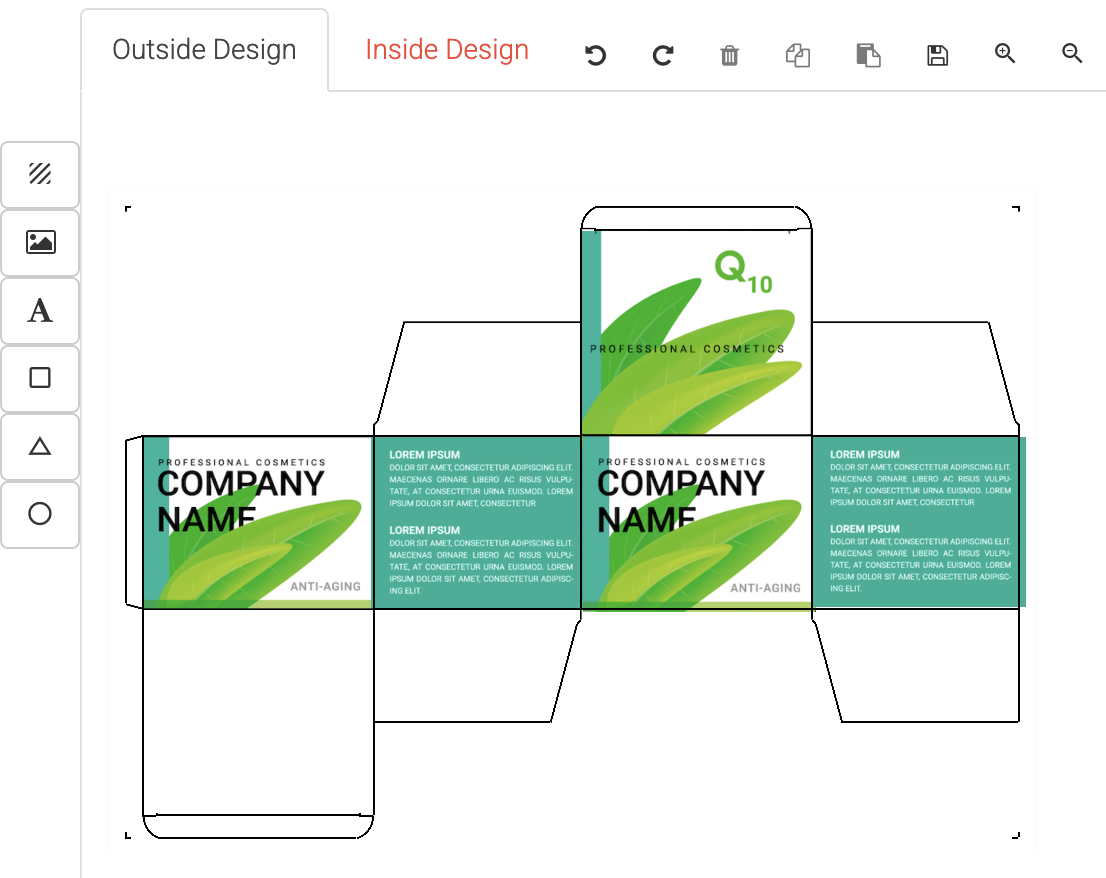
Upload your images, or use stock images
Drop in your own designs and watch them wrap onto the 3D model instantly. Upload PNG, JPG, SVG, PDF or WEBP files, reuse anything from your personal image library, or search the built-in stock images. Already have a dieline with artwork on it? Upload that too and it lands perfectly in place.
- PNG · JPG · SVG · PDF · WEBP
- Your image library
- Built-in stock images
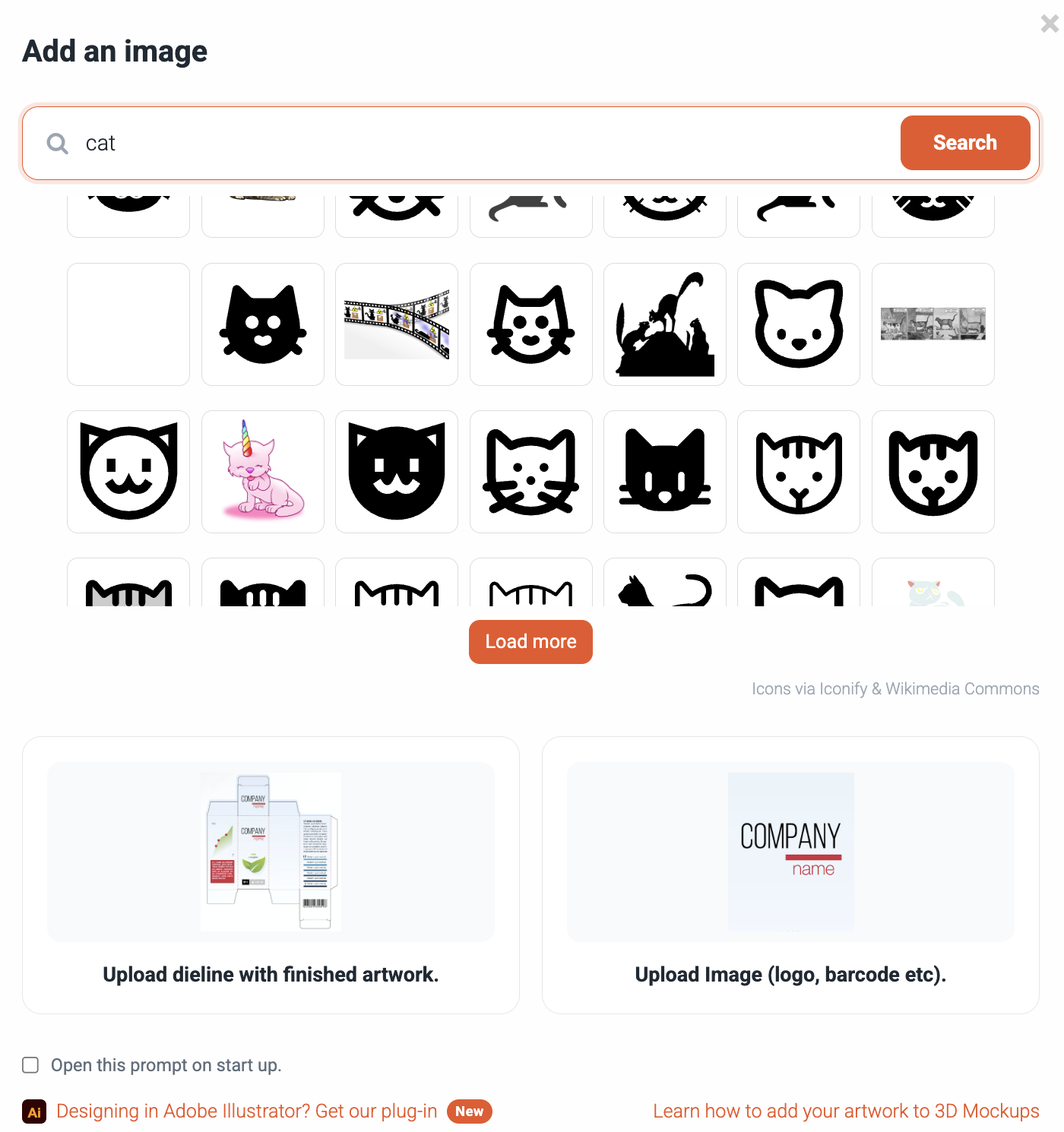
Choose realistic substrates
Pick the material your packaging is actually made of — kraft, corrugated, embossed and coated papers, hard cardboard and more. Every substrate carries true-to-life roughness, sheen and texture, and you can even apply different materials to different parts of the box, then switch on a ground plane and set the background color to stage your shot.
- Kraft & corrugated
- Embossed & coated paper
- Per-part materials
Export cinematic video in up to 8K
Turn your mockup into a scroll-stopping product video. Render in crisp 1080p, 4K or 8K Ultra HD (up to 7680 × 4320), choose a 5, 10 or 15-second clip, and pick a cinematic camera move — Review Orbit, Hero Reveal, Cinematic Helix, Simple Turntable, Push-In and more. It renders right in your browser and downloads as an MP4.
- 1080p, 4K & 8K Ultra HD
- 8 camera styles
- 5 / 10 / 15-second clips

Export OBJ, GLB and more
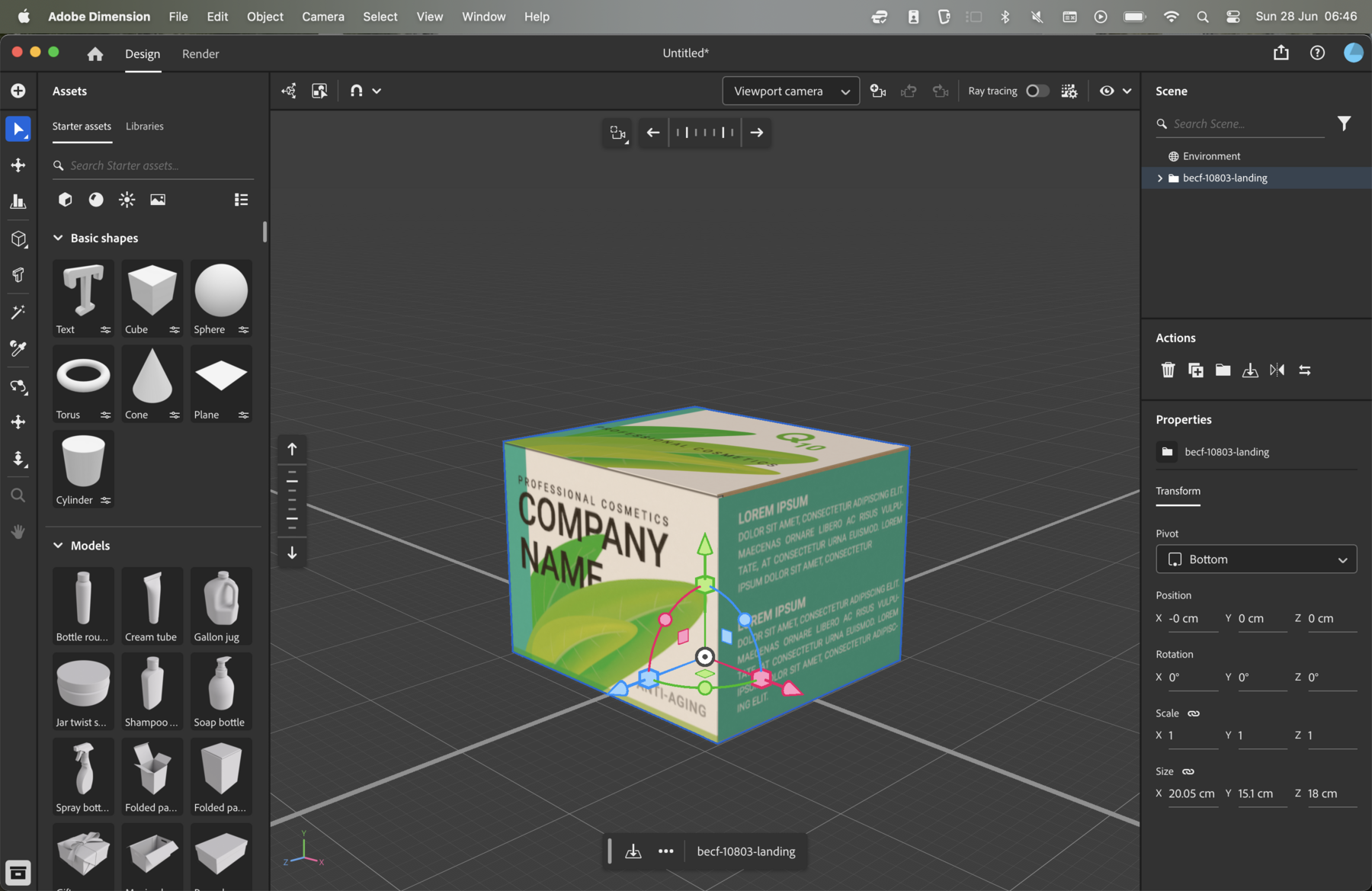
Take your 3D model anywhere. Export a textured GLB — geometry, PBR materials and your artwork all baked in — ready to drop straight into Blender, or an OBJ to re-skin in Adobe Dimension. Need a still instead? Grab a snapshot image. Your design, your tools.
- GLB (textured)
- OBJ (geometry)
- Snapshot images
Share a clean, unbranded link
Every design gets its own hosted link you can send to clients. They open it and spin the mockup right in their browser — on a clean page that carries no Die Cut Templates branding. And you can switch sharing off again whenever you want.
- Hosted link
- Unbranded page
- Disable anytime
Little touches that make it look real
See how it’s built
Press play and watch the flat dieline fold up into a finished box — step by step, the real way it’s assembled in production.
Add text, shapes & images
Drop text, rectangles, circles, triangles and images straight onto the box and arrange them in layers.
Background & ground
Set the scene background color and switch a ground plane under the box on or off.
Per-part materials
Give the lid, body and other parts of the box their own substrate.
Instant variations
Make a copy of a design and try a new look, color or material in seconds.
Invite collaborators
Bring teammates into a design to view or edit it together.
From dieline to product video in four steps
Pick a template & size
Start from a real, production-ready dieline and enter your exact dimensions.
Add your artwork
Upload your design and wrap it onto the box — outside and inside.
Choose your material
Select a substrate and set the scene background to stage your shot.
Export or share
Download a video in up to 8K, OBJ/GLB files or a snapshot — or share a live link.
Frequently asked questions
Do I need to install any software?
Can I upload my own artwork?
Can I design the inside of the box too?
What can I export?
Is the 3D mockup editor free?
Ready to see your packaging in 3D?
Open the editor on our demo template and start designing in seconds — nothing to install.
Try the 3D editor — free Die Cut Templates is an online packaging template collection, custom dieline generator, template maker and a packaging design tool with nesting, manufacturing cost calculator and 3D capabilities. All of the packaging templates are easy to download.
We have over 35,000 vector packaging templates (dielines) for tuck end boxes, snap lock boxes, tuck top auto bottom boxes,
standard boxes, four corner tray boxes, fruit and vegetable boxes, special boxes, separators, paper bags, gift boxes
and a great number of packaging templates. With Die Cut Templates, you can arrange your dielines using the nesting tool.
Die Cut Templates also offers uploading your logos and artwork for your 3d Mockup designs and offers online previews in 3D.
Die Cut Templates also provide a Dielines API.
Dielines API allows for generating custom dielines in PDF, DXF, and SVG formats, along with 3D mockups and nesting.
Die Cut Templates is an online packaging template collection, custom dieline generator, template maker and a packaging design tool with nesting, manufacturing cost calculator and 3D capabilities. All of the packaging templates are easy to download.
We have over 35,000 vector packaging templates (dielines) for tuck end boxes, snap lock boxes, tuck top auto bottom boxes,
standard boxes, four corner tray boxes, fruit and vegetable boxes, special boxes, separators, paper bags, gift boxes
and a great number of packaging templates. With Die Cut Templates, you can arrange your dielines using the nesting tool.
Die Cut Templates also offers uploading your logos and artwork for your 3d Mockup designs and offers online previews in 3D.
Die Cut Templates also provide a Dielines API.
Dielines API allows for generating custom dielines in PDF, DXF, and SVG formats, along with 3D mockups and nesting.